
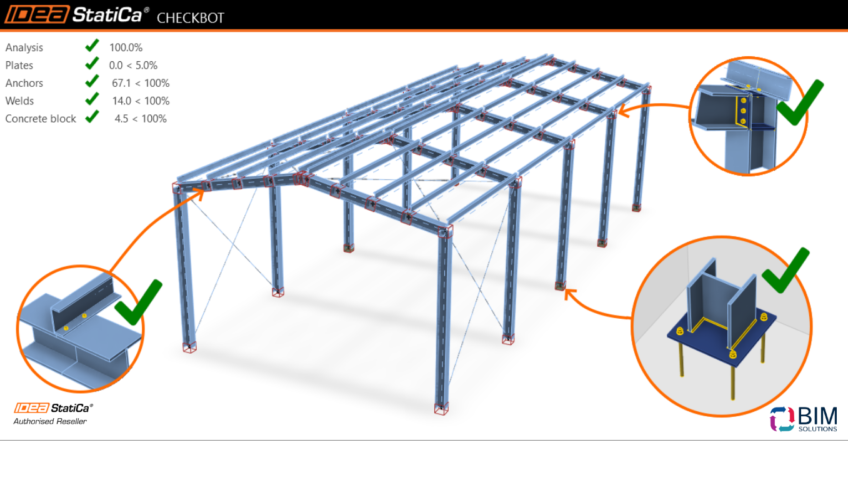
An IDEA StatiCa product engineer shares valuable experience with the innovative features and capabilities of IDEA StatiCa Checkbot.
Like most structural engineers, I live in a world full of steel connections. Some are elegant, some are frustrating, and many—let’s be honest—are simply standard ?
You have probably thought at some point: “There must be a better way to deal with all these repetitive connections!”
It turns out—there is.
Recently, a young colleague of mine was working on a specific project where he had to check dozens of nearly identical beam-to-column connections. The usual approach—exporting a few typical joints, checking them in IDEA StatiCa, and calling it done—started to feel increasingly risky.
What happens when the load combination acting on a “standard” connection exceeds its design resistance?
At the same time, I was thoroughly testing the latest internal version of the IDEA StatiCa Checkbot application, whose new features were focused on bulk workflows. One spring afternoon, it clicked: this was exactly the tool needed for repetitive connection design.
I could apply the same design templates to entire groups of identical connections, run multiple calculations in parallel, filter the most critical load cases, and generate a complete set of checks in a single PDF file—all with far less manual work.
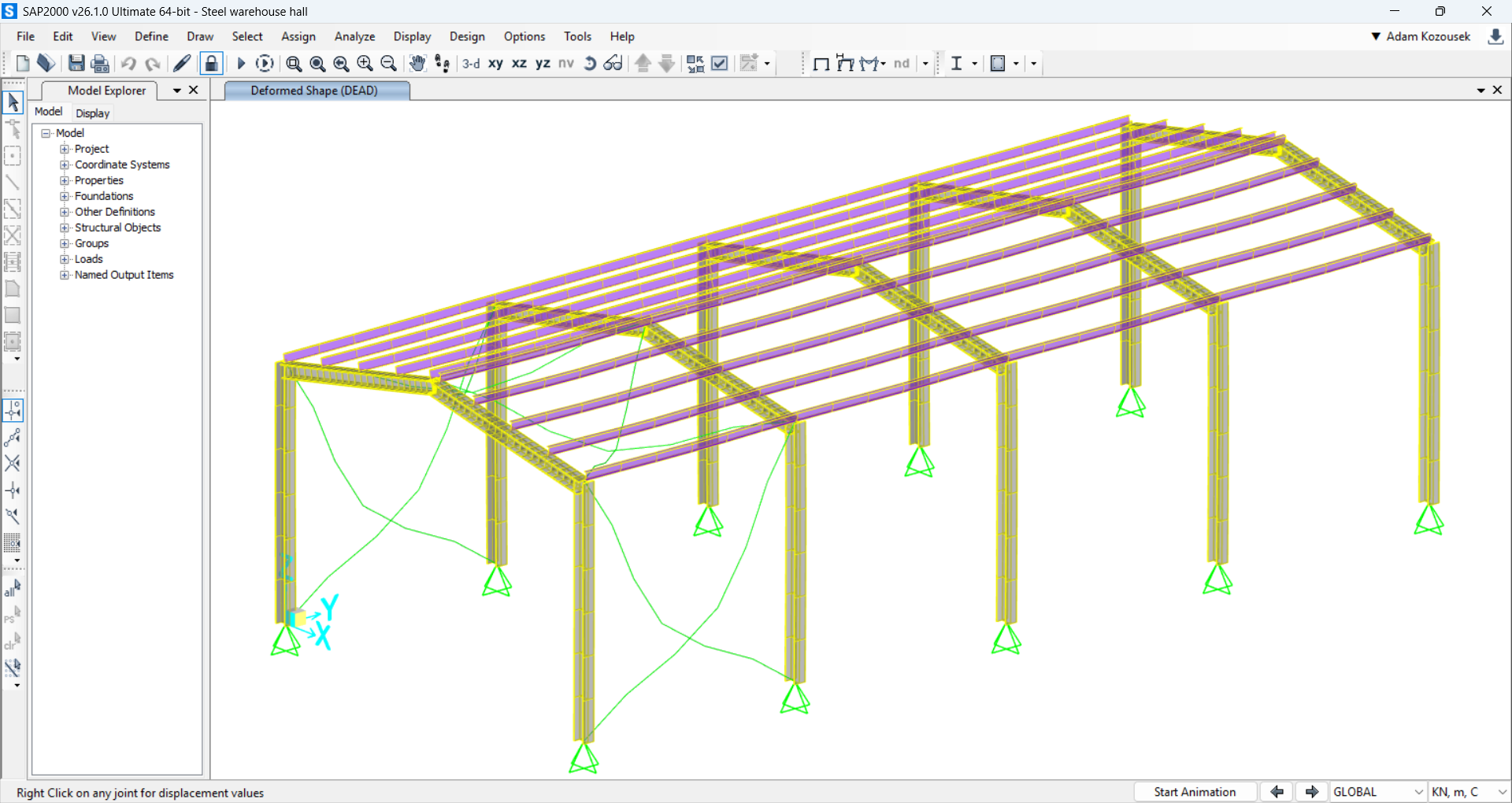
Elapsed time: 0 minutes — real steel warehouse project modeled in SAP2000
What are bulk workflows?
Simply put, BIM-connected bulk workflows allow you to import and process a large number of connections at once. No more tedious, one-by-one configuration. You can transfer dozens—or even hundreds—of connections directly from your FEA model (e.g., ETABS, Robot, STAAD.Pro, etc.) into Checkbot and process them in a single, unified workflow.
The key word here is automation. You prepare groups and design templates in advance, and Checkbot takes care of the heavy lifting. This is a massive time saver, especially for standard, repetitive connections spread throughout the model.
The process looks like this:
-
Import hundreds of connections from the structural model
-
Automatically assign them to predefined design templates
-
Run checks for all connections in one unified process
-
Export a single comprehensive report for all connections
This workflow is particularly powerful for projects with repetitive structures—warehouses, industrial buildings, parking garages, towers, and more. You still get accurate code-compliant checks and full IDEA StatiCa analysis, without drowning in manual input chaos.
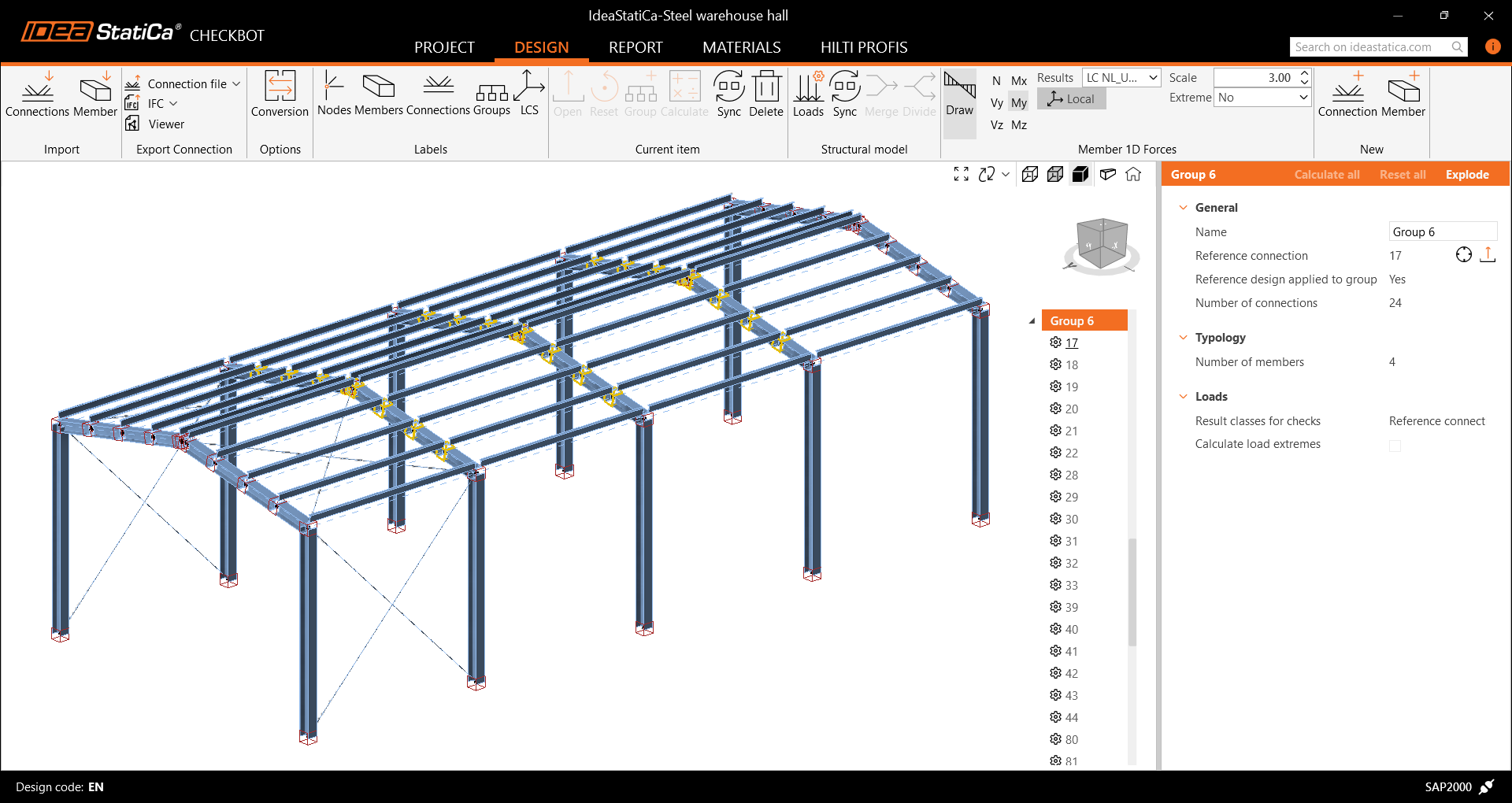
Elapsed time: 2 minutes — project imported into Checkbot, connections automatically grouped
Multi-management tools – a hidden gem
So what do these Checkbot multi-management tools actually do in practice? They allow you to manage, organize, and assign templates to groups of connections simultaneously.
Have 25 base plates with identical parameters? One template is enough.
Design assumptions change and you need to update the group? Select the group and hit Recalculate.
Here’s what Checkbot enables:
-
Grouping connections by type, geometry, or internal forces
-
Designing only one “reference” connection, with the rest automatically inheriting the design
-
Running calculations and code checks for an entire group in one step
-
Synchronizing geometry or load changes and recalculating groups
-
Generating a full PDF report, exporting IFC models, and sharing connections online via hyperlinks
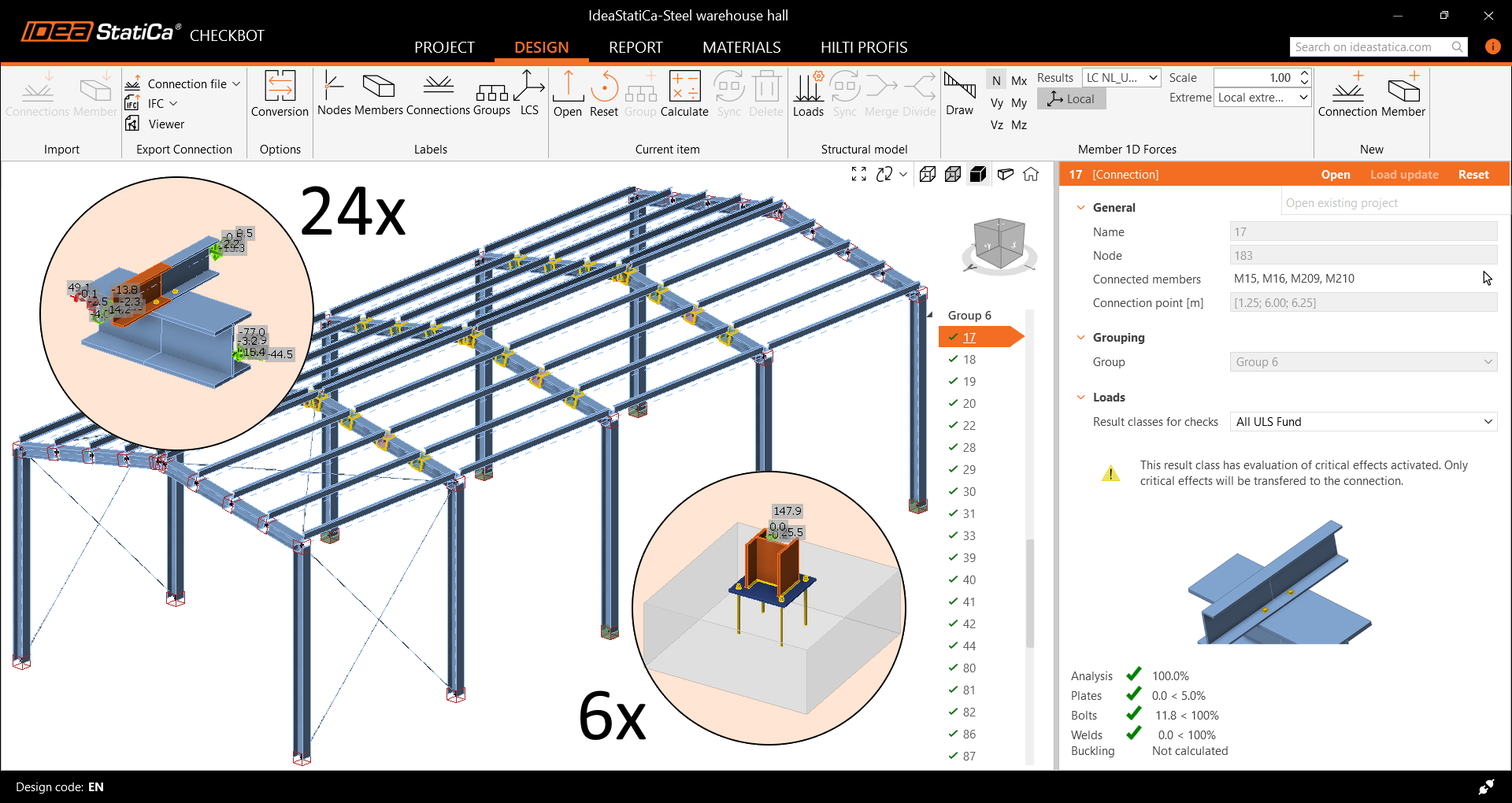
Elapsed time: 9 minutes — 24 roof connections and 6 column anchorage connections designed, calculated, and checked
Think of it as Excel for connection models. Filters, selections, and bulk actions make everything easier. Instead of opening each connection individually, assigning templates, running checks, and processing results one by one, you simply select the entire group and do everything at once. The productivity gain is enormous.
Want even faster results? Calculate load extremes
One of the biggest pain points in connection design is dealing with all load combinations. A global analysis may include over 100 combinations, each producing different internal forces. In reality, however, only one or two combinations are critical for a given connection.
This is where the Calculate load extremes filter significantly reduces calculation time. It identifies the governing load case or combination for each connection—whether it’s the maximum axial force in a brace or the largest bending moment in a beam. Everything is selected automatically and safely for the entire group.
Let’s do the math together:
A group of 16 connections with 10 load combinations means 160 calculations—about three minutes.
With load extremes, only 38 combinations are calculated, taking less than one minute.
Now imagine that across an entire project with countless combinations…

Elapsed time: 14 minutes — two groups of 16 roof connections checked faster using Calculate load extremes
More importantly, this allows you to confidently say: “Yes, I checked every connection—including the worst-case scenarios.”
That is far more reassuring compared to manually selecting a few joints for a typical connection type that seem to represent “extreme” combinations—something we often see in Excel spreadsheets.
Real-world example – bulk design of 64 connections from SAP2000
Let me show you how I applied bulk workflows on a test—but very real—project: an industrial steel structure modeled in SAP2000 (any other global FEA model could be used as well). The warehouse project had exactly 64 connections and approximately 10 ULS load combinations, and from the very beginning, I knew that checking each one manually would not be efficient.
Here’s how I solved it:
I imported the entire SAP2000 model into IDEA StatiCa Checkbot. All 64 connections were transferred together with global analysis results and eccentricities, and automatically sorted into 10 groups based on their geometry. The integration worked seamlessly—there was no need to manually recreate geometry or connections. Essentially, it took one click, and the job was done within seconds.
For the larger, repetitive groups, I assigned design templates to the reference connections of each group. I used either predefined connection templates from the connection library—for example, for column anchorage—or single operations such as cuts and bolt grids for gusset plates. There is a real sense of satisfaction when analysis and code checks for half of your project start simultaneously just minutes after you begin working.
For smaller, non-standard groups, I handled the setup individually—but still within Checkbot. I was able to reuse parts of templates, make manual adjustments, reuse single operations, and keep everything organized in one place. This approach allowed me to process the remaining, more complex connections, such as gusset plates welded to stiffened plates for wind bracing, or rigid frame corners with bolted gussets on top.
After completing the calculations, I used Checkbot to generate a single PDF report that included all 64 connections. Even better, I exported an IFC file containing models of all connections, which I could send directly to the CAD detailer. They were able to load the entire set directly into their detailing environment without any rework.
In the end, all 64 connections were checked, documented, and ready for delivery—without opening 64 separate projects. Standard connections were almost fully automated, while non-standard ones became much easier to manage thanks to organized grouping. All of this was done in a single tool: IDEA StatiCa Checkbot. Forget about organizing Excel files and the painful process of manually re-entering everything.
You can also download my project here and review it, or use your own latest structural model from any FEA software for testing!
- SAP2000 test project (version 2.0)
- Checkbot test project (version 0.1)
Final thoughts
If you are still checking connections one by one, I completely understand—we all started that way. But if you are buried under dozens or even hundreds of repetitive steel connections, IDEA StatiCa workflows are absolutely worth trying. And most importantly, with Checkbot, it finally becomes… fun!
