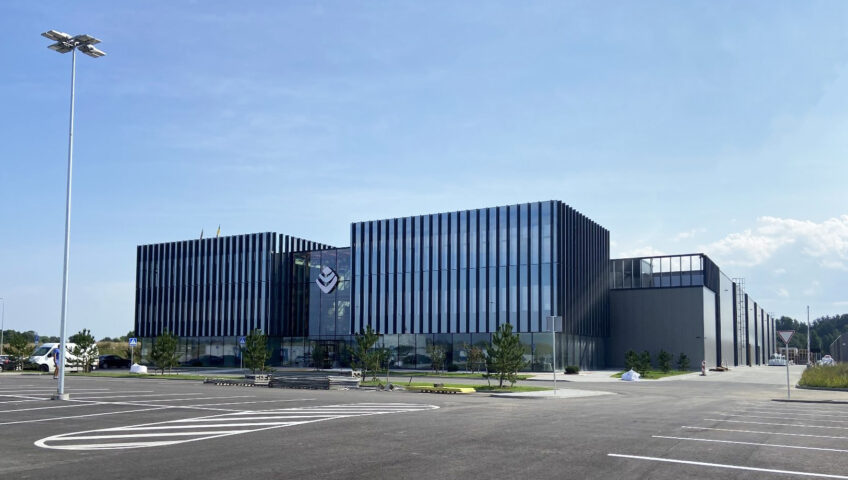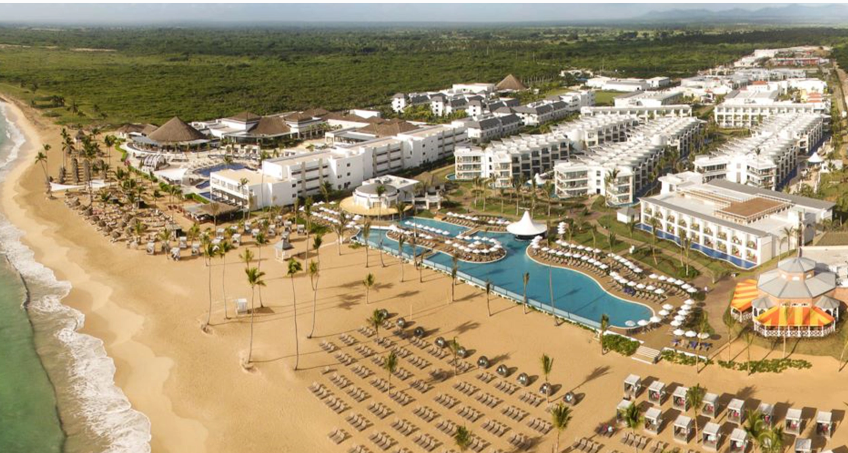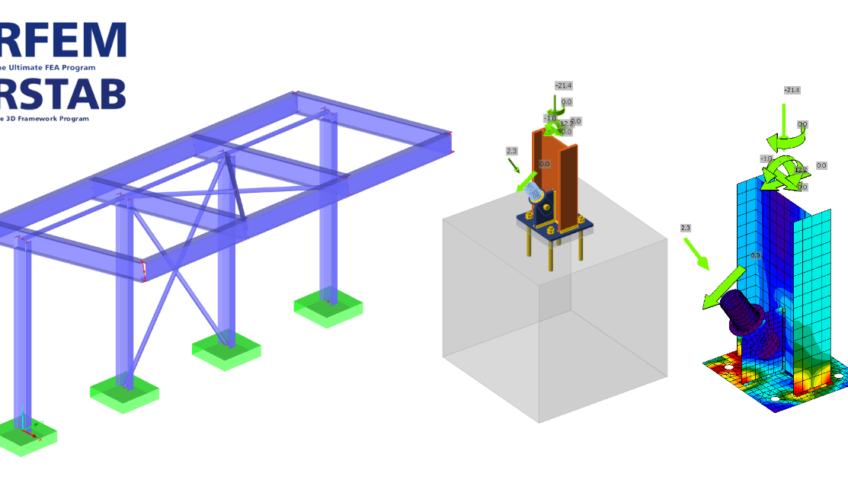
The Lithuanian group of companies KG constructions (kgcgroup.com) is one of the strongest representatives of the facade aluminum and glass construction industry in Northern Europe, which is trusted by the world's most famous architects and the largest construction contractors. Over the years, experience in creating building facades and managing large-scale projects in all its life cycles - from the developing of design tasks and building operation on the construction site - allowed the organization to become a leader and dictate the latest trends in facades industry. Company specialists tell how BIM helps to optimize the time spent on structural design and improve the quality of buildings. Julius Zykus “KG Constructions” Head of BIM department Paulius Eigertas “KG Constructions” Structural Engineer The benefits of BIM are understood by all participants in the construction process The most advanced technologies in production and design and the efforts of highly qualified employees have opened wide possibilities for the realization of unique architectural buildings for KG Constructions Group. The head of the company's BIM department, Julius Zykus, does not doubt the benefits of BIM - he is already convinced that BIM ensures better project results.Not only a motivated team is important for effective construction design, but also modern software tools. Therefore, from the beginning of the KG business, investments are made in software technologies that increase work efficiency. “During our business journey, we can see trends that employees prefer to work with 3D, due to easier to understand visual information. Also desire by clients and architects to see the general picture of the building and how the facade solution will look like in reality in early stages of the project” - says Julius Zykus Although the company's employees enjoy working with advanced technologies, the main benefit that comes from BIM is for the customer.BIM helps to notice whether all parts of the building will be implemented, whether something has been omitted, such as e.g. wall, which according to known obligations does not belong to any subcontractor. Then a lot of discussions can arise, which stop construction processes. “The BIM tools and methods used in the "KG Constructions" group of companies help not only to get new orders, but also to keep the existing ones, since the facades have a lot of detailed and complex solutions, it is not always easy to understand them from technical 2D drawings, and in this place BIM comes to the rescue. This is a help for everyone to fully understand how the facade systems will be installed and what kind of visual picture we will get at the end of the project," - says Julius Zykus. However, the BIM manager observes a disturbing trend that the choice of software is increasingly becoming a more difficult task. Due to the tendency to work more and more with 3D, the functionality offered by the software is also increasing, but there are many cases that the software is made only for advertising purposes and can only perform specific tasks, but not fulfill all the needs of manufacturing companies or, on the contrary, cannot fulfill the international norms related to BIM requirements, details and amount of information. “Dlubal RFEM 6” software ensures faster and more accurate results To ensure the quality of its projects, "KG Constructions" has been using the software "Dlubal RFEM 6" for more than two years, which is used to implement practically all projects not only in Lithuania, but also in countries such as Sweden, Denmark, Norway, Finland. According to Paulius Eigerts, head of the static calculation engineer team at “KG Constructions”, the team was looking for a software package that was as suitable as possible for aluminum structures, so when choosing the software, the ability to conveniently create thin-walled cross-sections was particularly very important. Find out more about Dlubal RFEM 6 on BIMsolutions.ge "While we were starting to work, Dlubal "Knowledge Base" - webinars helped us. At the beginning, we compared the results with other calculation programs, analytical calculations. After half a year, we began to feel confident enough with the results and applied methods. Of course, even today we discover something new and what can speed up the work being done, get more accurate results" - Paulius Eigertas The essential advantages of the software, which are listed by Paulius, head of the static calculation engineer team: More orderly workflow and processes between other engineer-designers. The Dlubal Center, where we store and exchange system profiles and calculation models created by ourselves, especially contributed to this. Convenient user interface, result and model export - import options, which we miss in other software packages. Abundance of standard documents, calculation methodology and formulas presentation in the results. Program updates are frequent With the added additional add-in with one software package, we can perform almost all the static calculations required for the constructions we are designing. One minor shortcoming faced by company specialists is the not very convenient creation of a calculation reports. Wooden construction building in Denmark "Marmormolen" Production and installation work by "KG Constructions" in ONE of the LARGEST 28,000 m2 modern wooden construction buildings in Denmark, built using solid wood. In this project, the professional team of "KG Constructions" is responsible for 10,788 m2 of elemental facade with metallic sheet finish, 1550 m2 of PREFABRICATED FACADE WITH ASH add-on SYSTEM AND GLUED LAMINATED WOOD AND 253 m2 of glass roof. According to Paulius, the biggest challenge in this project was the wooden structure, which makes it difficult to coordinate the harmonious movement of the building during the exhibition between different structures. Software "DLUBAL RFEM 6" was used to perform static system profile, sheet metal calculations, as well as individual component 2D and 3D analysis. "The biggest benefit of using Dlubal RFEM 6 is the user-friendly environment, the program has a database with different parts of the country” - says Paulius Eigertas
Read more